01Your machine
Start with what you have.
A single machine is a useful place to begin. We check its available connections and the information it can share.
First, understand your equipment.
Industrial intelligence / Built around your machines
We connect your existing machines to simple screens, so you can see production, energy use and problems in one place.
Start with one machine. Grow from there.
Follow one machine 01 — 04From the factory floor to your next decision.
A single machine is a useful place to begin. We check its available connections and the information it can share.
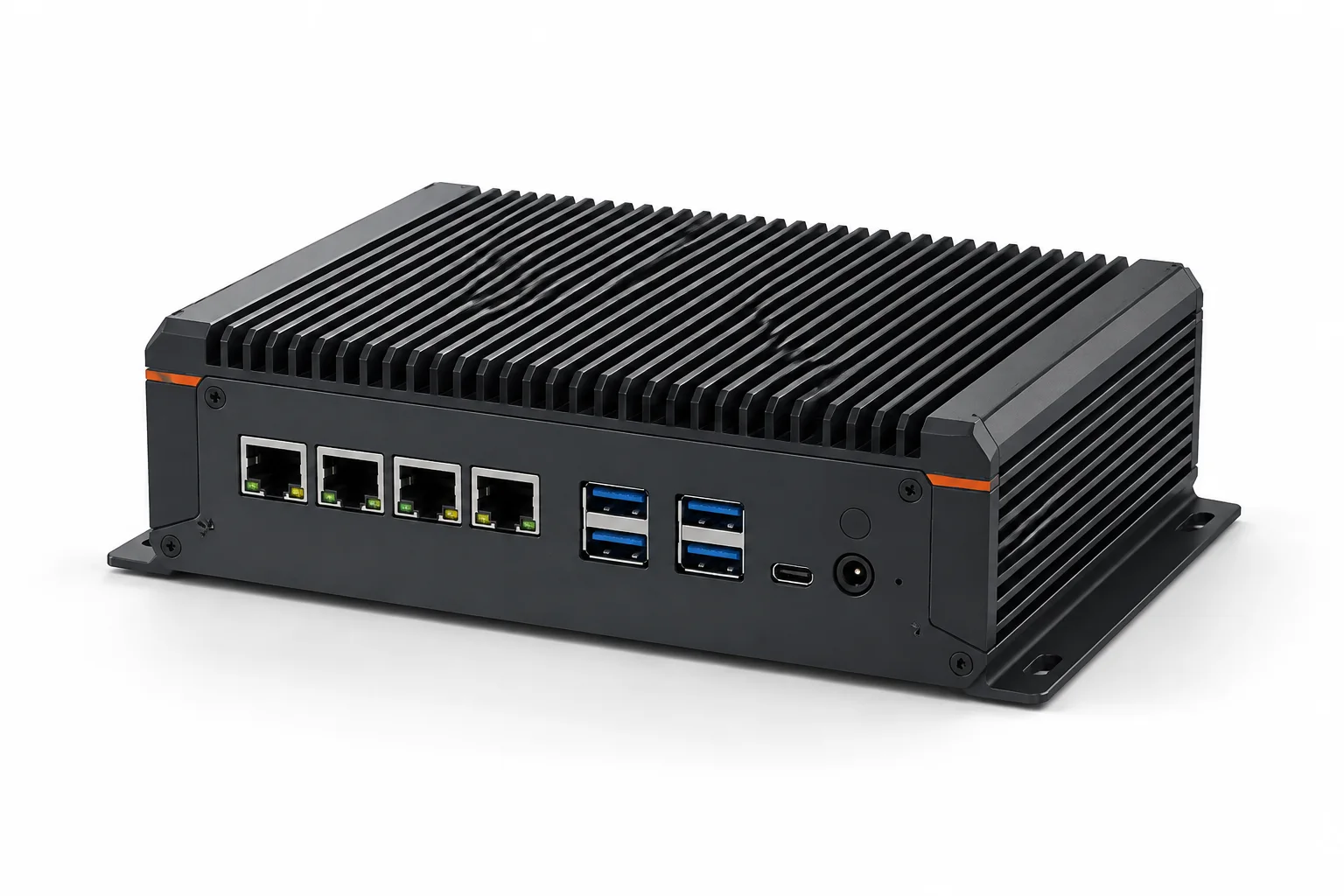
First, understand your equipment.A small computer near your equipment collects the agreed information. Together, we decide what stays on site and what your other systems need.
Connect only what is useful.Check machine status, production or energy use on a simple screen. The readings and update speed depend on your equipment and setup.
Less searching. A clearer view.When a machine stops, your team can check what happened and decide what to do. Try the example below to see how the screen changes.
Your people stay in control.Machine 01 is running.
Production is in progress in this example.
The information is already there. We help you bring it together — so your people can see what matters and decide what comes next.
Explore the possibilitiesStart with a question from your working day. Open a topic to see how we could help.
Bring useful readings together from existing CNC machines, PLCs, and shop-floor equipment. We check available communication interfaces (Modbus, OPC UA, FOCAS) without replacing your existing PLC or modifying machine logic.
Collect running, idle, and cycle counts from one CNC machine or PLC before considering the rest of the workshop.
See real-time machine status, cycle times, alarms, and OEE on browser dashboards designed for your team. Connects to existing PLCs and CNC controllers without proprietary desktop clients.
Check the status and cycle times of workshop CNCs and lines from one screen.
Assess whether suitable cameras can help flag missing protective equipment or entry into an agreed area. Alerts need human review and support your existing safety procedures.
Explore a helmet check at a designated entry point, with alerts reviewed by a supervisor.
Explore how machine readings can connect to the software your business already uses. The information and available software interfaces are checked first.
Assess whether completed part counts can update your existing production records.
Connect sales, purchasing, inventory, manufacturing, quality, maintenance and financial operations with real shop-floor production data.
Trace a customer order from quotation and material planning down to shop-floor machine production and dispatch.
Bring suitable energy readings into one view. Compare machines or shifts to find patterns worth investigating.
Compare a compressor’s electricity use during production and after the shift ends.
Bring available production, stop and quality records together. Use them to ask better questions about delays and lost output.
Review repeated short stops to understand how they add up across a shift.
One workshop or a growing factory: we begin with your equipment, your people and one useful question.
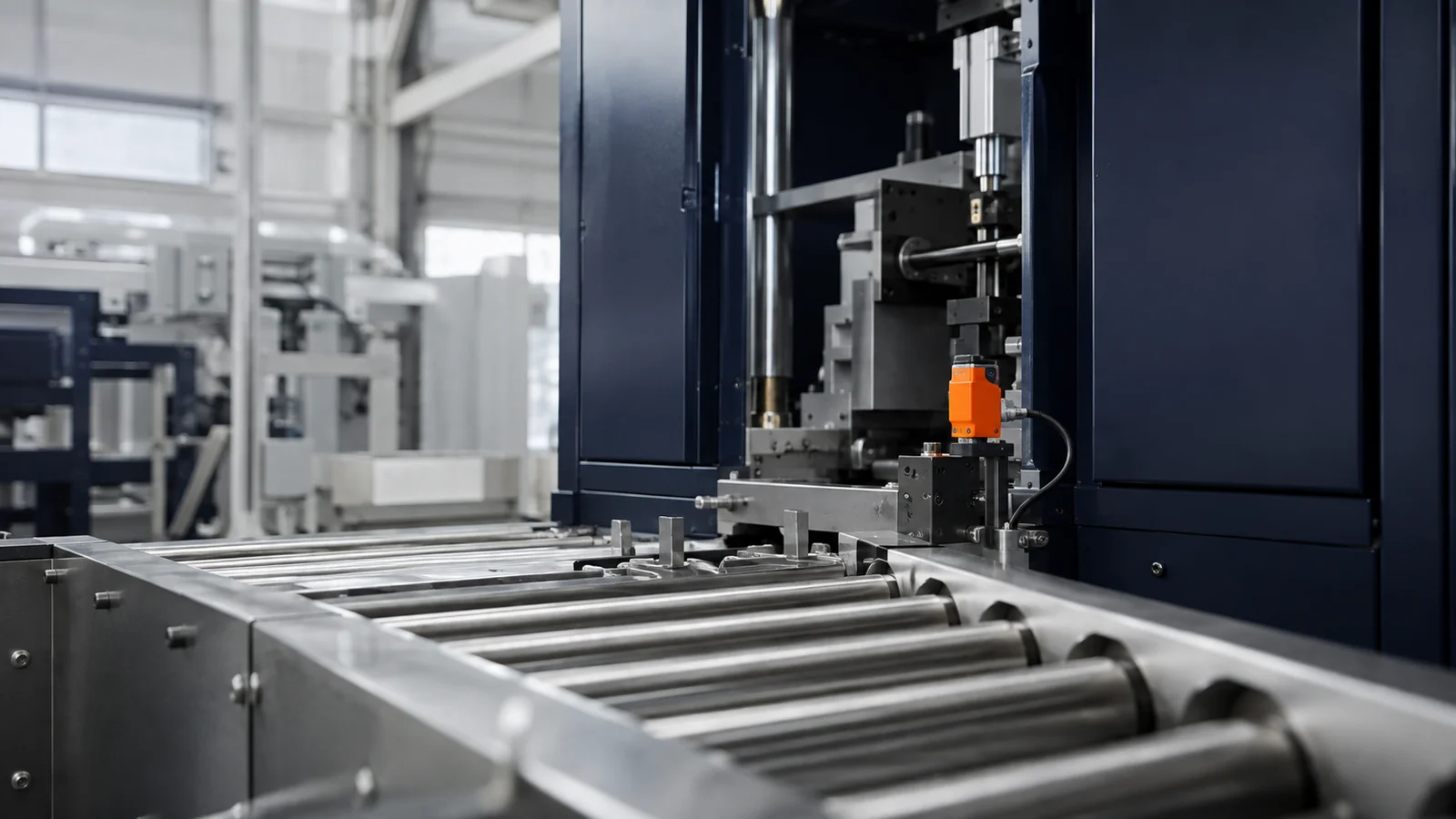
A machining workshop might begin with running and stopped status, part counts or time spent waiting for material.
Learn more about manufacturing Discuss your operationExplore how available machine readings and inspection records could help your team review a job. Traceability needs are agreed for each project.
Learn more about precision engineering Discuss your operationA packaging line might start by comparing stops, output or available temperature readings. Monitoring supports the checks your team already performs.
Learn more about food & beverage Discuss your operationA warehouse might begin with conveyor status or packing counts, then assess whether those updates can connect to its existing software.
Learn more about logistics & handling Discuss your operationA reactor or mixing vessel might begin with temperature trends, batch identifiers or material usage. Monitoring supports the checks your operators already perform.
Learn more about chemical & batch processing Discuss your operationExample starting points. Suitability depends on your equipment and project requirements.
Choose one problem, agree on a manageable first step, and review what it helps your team understand.
Is a machine stopping? Are you counting parts on paper or entering the same numbers twice? Tell us what is making your day harder.
We check your equipment and agree on the connections, cost and installation work needed for a small first step.
Review the readings with your team. Decide whether they are useful before connecting more machines or adding features.
Perspectives / A useful place to start
Understand the possibilities before deciding what your operation needs.
Straightforward answers to the practical concerns most workshop owners and plant managers have before getting started.
A single machine or a small workshop can be a practical starting point. We first check what your equipment can share and what you want to understand. Starting with one defined question helps your team compare the readings with daily work before deciding whether a wider connection is useful.
We begin by checking your existing machines. Available connections, safety requirements and manufacturer conditions determine what can be added. We agree on any hardware or installation changes before work begins. Some equipment may need additional sensing or may not offer a practical connection. The assessment establishes these limits before a project scope is agreed.
The screens should use familiar words and show the information your team needs. We discuss who will use them and what guidance will help them get started. A useful first review checks the labels, units and actions with the people using the screen, then identifies any training or access requirements.
Cost depends on the machines, connections, readings and software involved. We discuss a defined first step and its cost before you decide to proceed. The initial scope should identify the signals, intended users and validation steps. Additional equipment or integration work is assessed separately so the proposed work remains clear.
One machine, a small workshop, or an expanding factory. Tell us what is hard to keep track of, and we’ll help you determine the simplest next step.
Prepare a message, review it, then send it through WhatsApp or email. Nothing is sent by this form.







.png&w=384&q=75)