

Industry / Manufacturing
Know which machines need a closer look.
Manufacturing IoT connects available machine signals to production records and monitoring screens. A workshop can use agreed running states or part counts to review stops and output. We first assess equipment access and the question your team needs to answer.
Discuss your operation
01 / Common challenges
What makes manufacturing difficult to track?
Unplanned machine stops
A machine stops during a shift and nobody finds out until the operator flags it. The delay has already cost time and material.
Manual production counting
Part counts are written on paper or entered at the end of the shift. The numbers reach the office too late for same-day decisions.
Scattered machine information
Each machine has its own display. Walking the floor is the only way to build a picture of what is running and what is waiting.
Duplicate data entry
The same production numbers are typed into a spreadsheet, then again into business software. Errors creep in at every step.
02 / How we help
Solutions for manufacturing.
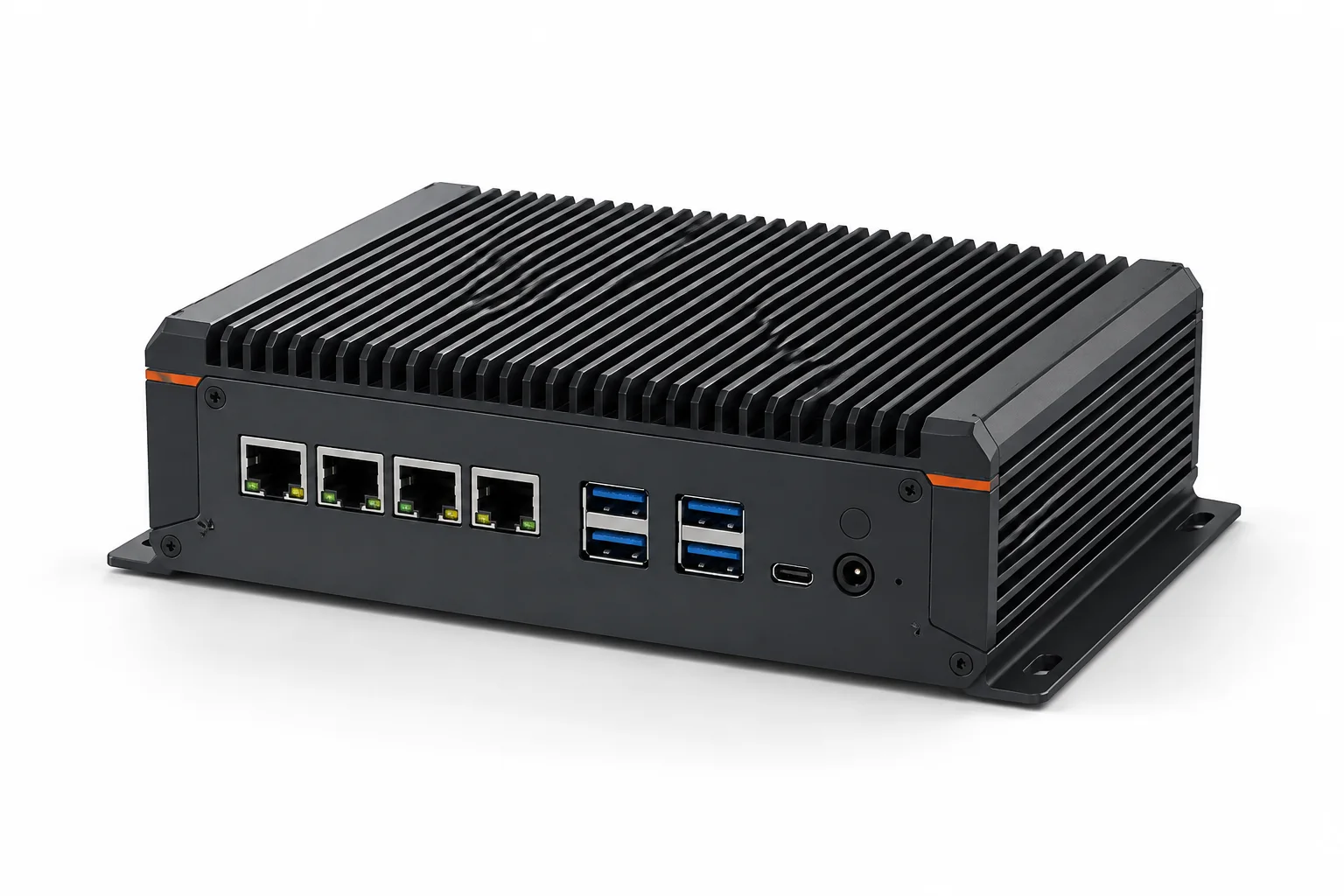
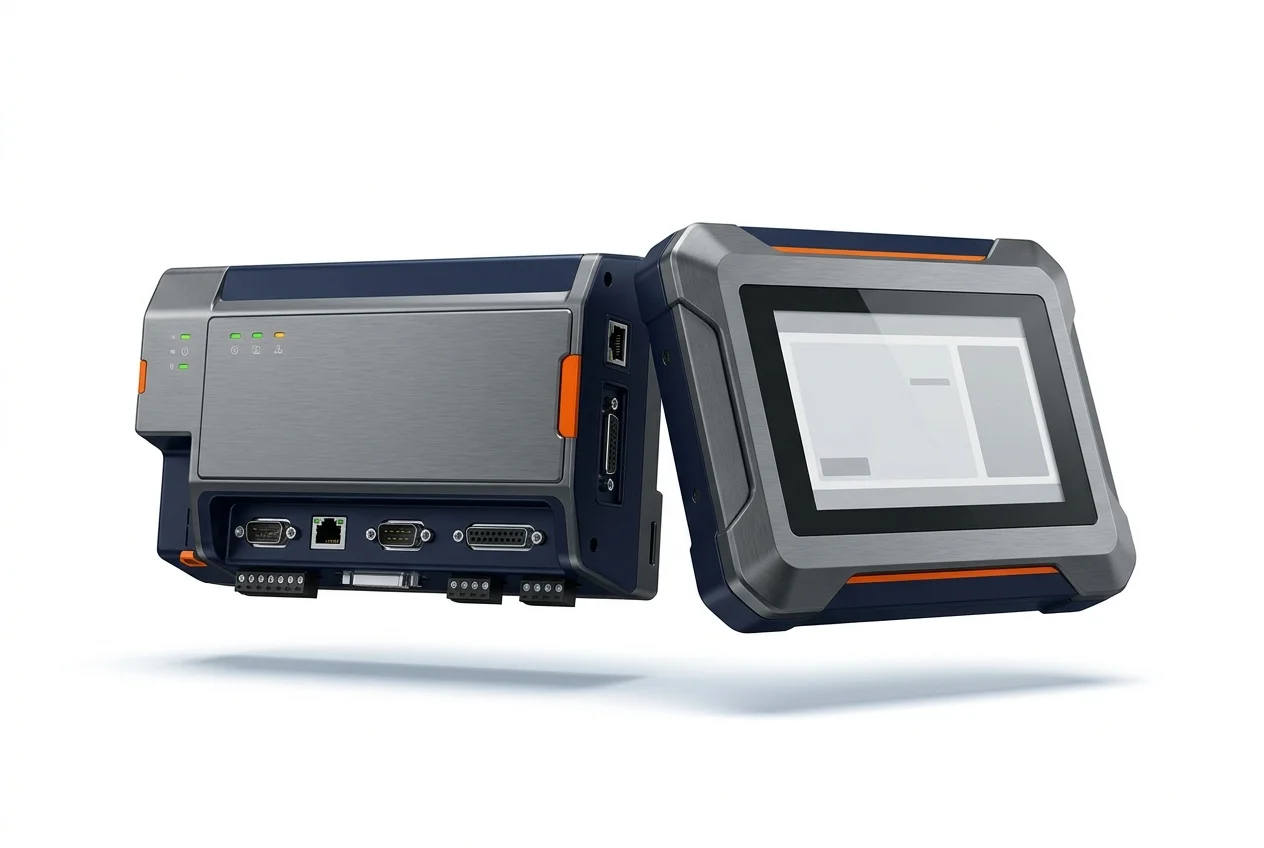
Industrial edge computing
Bring useful readings together from existing CNC machines, PLCs, and shop-floor equipment. We check available communication interfaces (Modbus, OPC UA, FOCAS) without replacing your existing PLC or modifying machine logic.
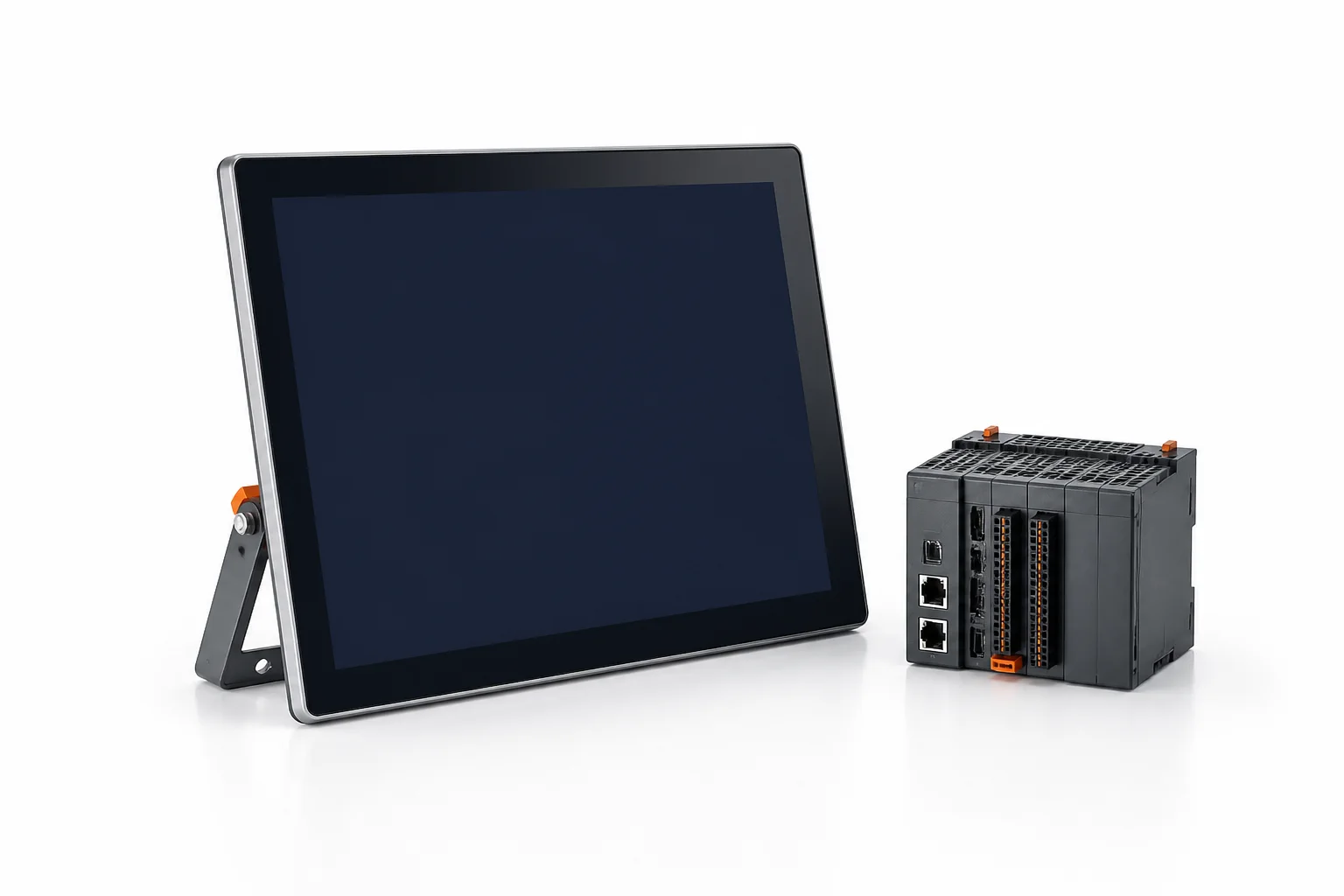
Web SCADA
See real-time machine status, cycle times, alarms, and OEE on browser dashboards designed for your team. Connects to existing PLCs and CNC controllers without proprietary desktop clients.
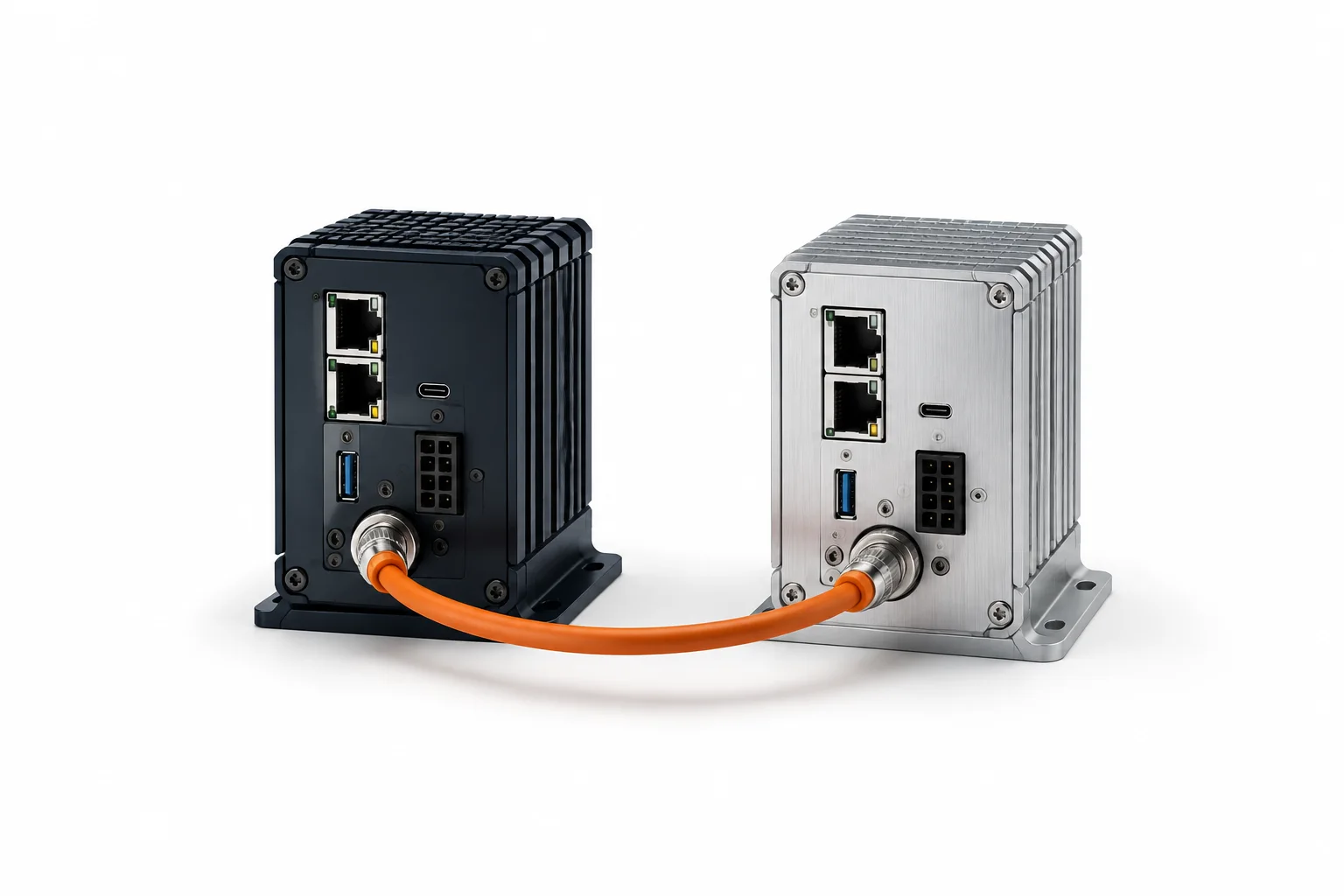
Machine-to-ERP integration
Explore how machine readings can connect to the software your business already uses. The information and available software interfaces are checked first.
Manufacturing ERP
Connect sales, purchasing, inventory, manufacturing, quality, maintenance and financial operations with real shop-floor production data.
OEE intelligence
Bring available production, stop and quality records together. Use them to ask better questions about delays and lost output.
03 / Equipment & starting points
Typical equipment in manufacturing.
- CNC turning and milling centres
- Hydraulic and mechanical presses
- Injection moulding machines
- Assembly and packaging lines
- Compressors and auxiliary equipment
We usually begin with one or two machines. The first step is to check available connections, agree which signals are useful, and collect a small set of readings before considering the rest of the floor.
04 / Example scenarios
Illustrative starting points.
Running and stopped status from one CNC machine
Collect machine state from the controller and display it on a screen near the supervisor's desk. Compare running time with stopped time across a full shift.
Part count to production record
Read the completed part count from a machine and check whether the number can update an existing production spreadsheet or ERP job record.
Shift comparison for a press
Record available cycle data from a press across two shifts. Review whether one shift experiences more short stops than the other.
Example starting points. Suitability depends on your equipment and project requirements.
05 / Practical questions
Know what to ask.
Do all our machines need to be connected at once?
No. A single machine is a practical starting point. You can review the result and decide whether to expand to more equipment. Agree one useful question, a small signal list and a way to compare the readings with operator records before deciding on further investment.
What if our machines are old and have no network port?
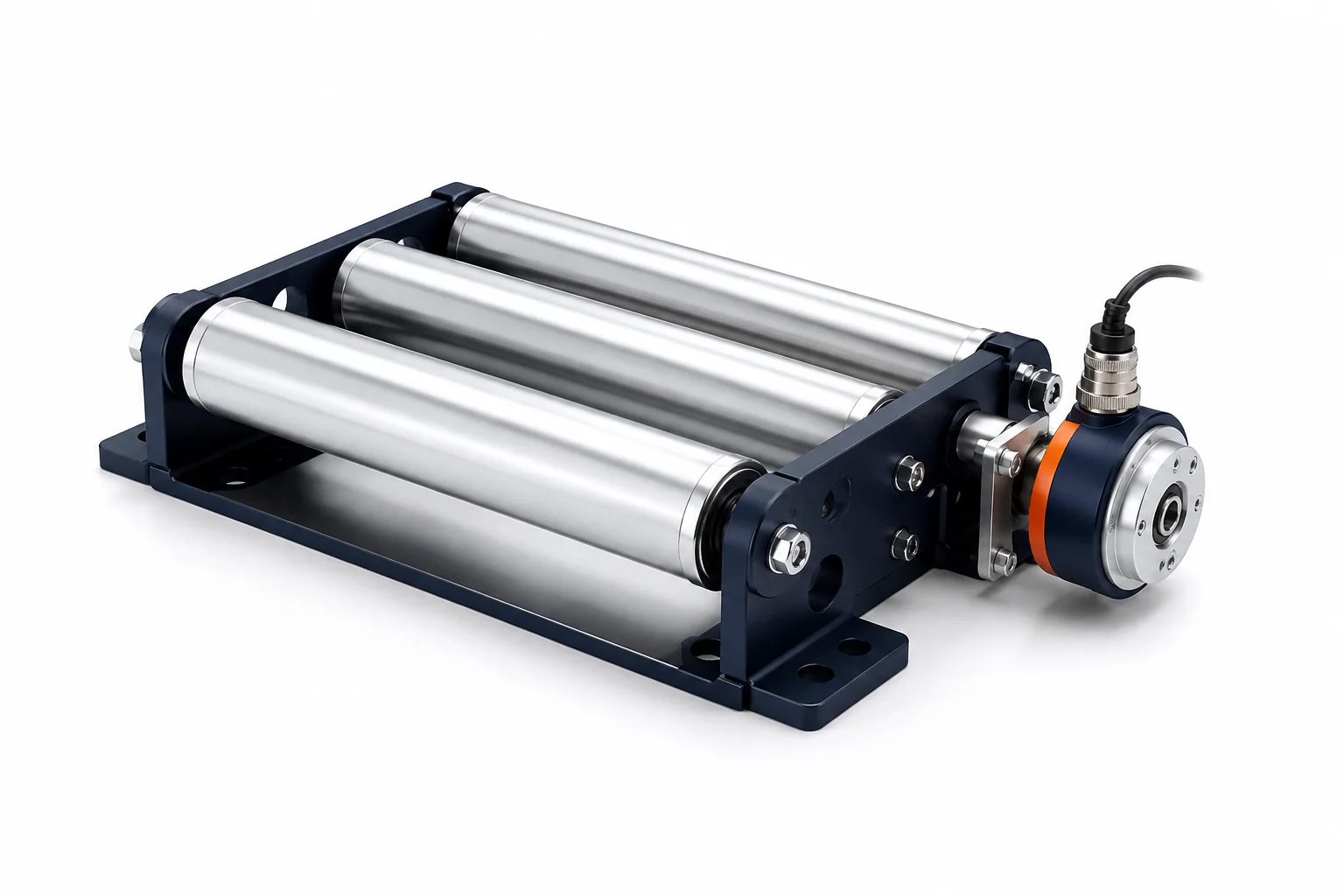
Older machines may still provide useful signals through relay contacts, current sensors or other hardware. The first step is an assessment of what is available. Review machine documentation, installation constraints and manufacturer conditions before adding sensing. Some measurements may be inaccessible or require work that is not justified.
Will this disrupt production during installation?
Installation is planned around your schedule. Most signal collection can be set up during planned maintenance windows or between shifts. Any required interruption, access permission and validation step must be agreed with the production team before installation. Timing depends on the machine and connection method.
How long does a first connection typically take?
The timing depends on equipment access, supported interfaces, installation requirements and the signals involved. We agree a defined first connection and validation steps before scheduling work. Share the machine model and available documentation so dependencies can be assessed before a delivery estimate is discussed.
Start with your equipment.
Tell us what is difficult to see or keep track of in your manufacturing operation. We can discuss whether this is a useful place to begin.
Prepare an enquiry ↗Explore all industries →