ERP & digital automation
From the machine to the business.
We connect industrial machines. Now we connect the rest of your business too: orders, stock, invoices and approvals in one ERP, linked to what happens on the shop floor.
01 / Machine and business, connected
Shop-floor data where business decisions are made.
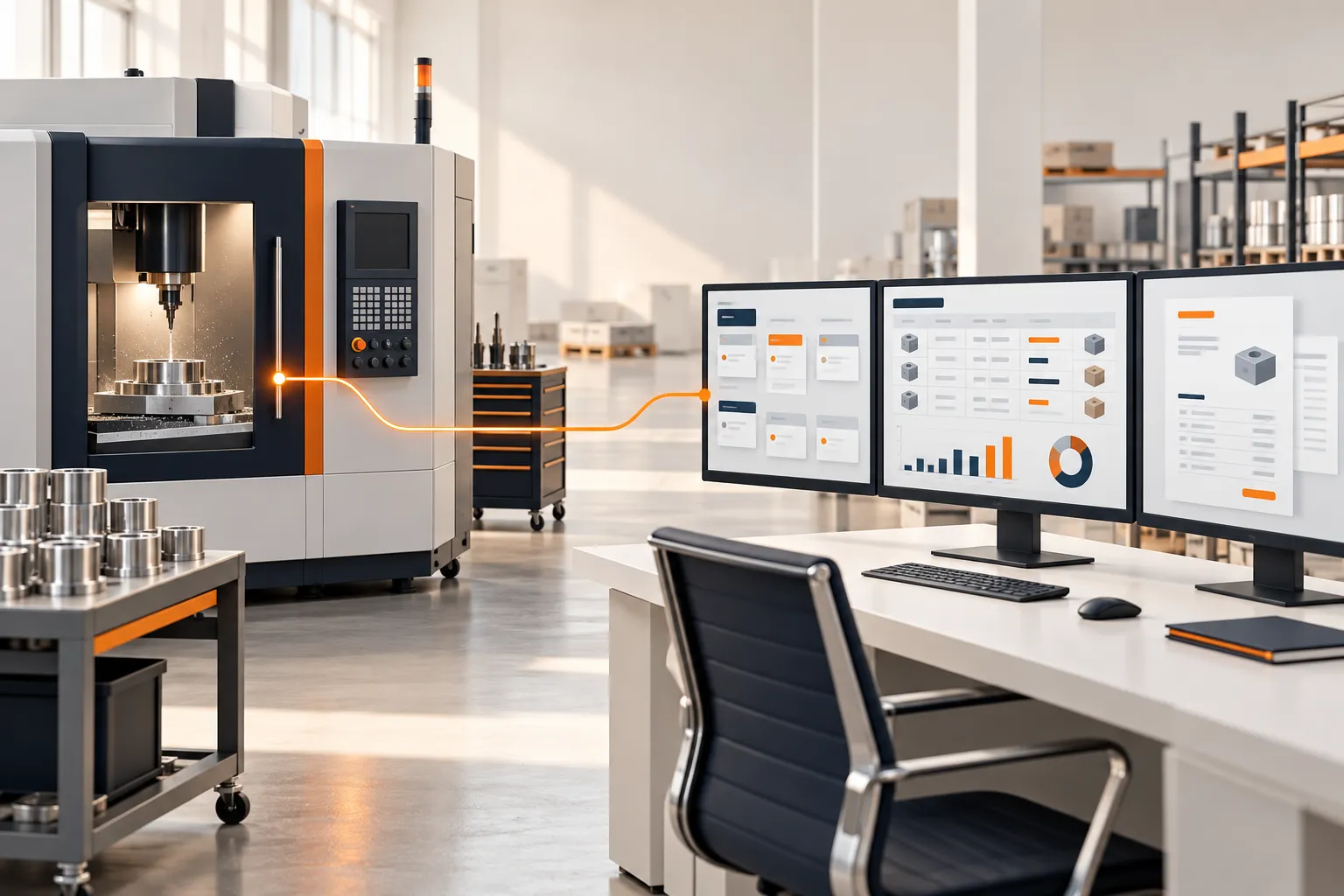
Most ERP projects stop at the office. Ours can start at the machine. Production counts, downtime, quality results and energy use can flow into production orders, stock, maintenance and costing through our machine-to-ERP integration.
Already working with us on automation? ERP is the next step. Starting with ERP? Your machines can be connected later.
02 / Who this is for
Built for B2B businesses that have outgrown spreadsheets.
This is for manufacturers, and the distributors and traders who work with them, when:
- Orders, stock and invoices are spread across spreadsheets, paper and chat messages.
- The same data is typed in more than once.
- Approvals wait in someone’s inbox or phone.
- Owners cannot see sales, stock or pending payments without asking someone.
03 / What we automate first
Start with the work your team repeats every day.
Enquiries and quotations
Enquiries are recorded in one place and quotations are created from them, not retyped.
Sales orders and invoices
A confirmed order becomes the delivery and the invoice, with fewer manual steps.
Purchasing
Purchase requests and orders follow a defined approval path.
Stock
Stock moves are recorded as goods come in and go out, so levels stay current.
Approvals
Discounts, purchases and payments go to the right person with a clear record.
Reports
Sales, stock, receivables and payables are available without manual compilation.
Each project starts with the processes that matter most to you. Others can follow.
04 / How we work
One partner from first conversation to daily use.
- 01
Understand
We map how your work runs today: who does what, with which documents, and where time is lost.
- 02
Plan
We agree which processes come first, what success looks like, and what you need to provide.
- 03
Set up
We configure the ERP for your processes, users and permissions.
- 04
Move your data
We bring across customers, suppliers, products, stock and opening balances.
- 05
Automate
We add the agreed automations: document flows, approvals, reminders and reports.
- 06
Train
We train the people who will use the system each day.
- 07
Go live and support
We help through the first weeks of use, then continue with a support plan.
05 / Why one partner
Less coordination for you.
- One point of contact. Setup, data, automation, training and support come from one partner.
- Clear scope. What is included is agreed before work starts.
- Your processes first. We configure the system around how you work, then suggest improvements.
- Industrial know-how. We work on factory floors as well as in offices, so the ERP reflects how production really runs.
Support after go-live
A support plan can cover questions from your team, fixes, small changes to workflows and reports, and help when you add users or processes. The plan is agreed with each client.
06 / Practical questions
Know what to ask.
What is digital automation for a B2B business?
It means moving everyday work, such as orders, stock, invoices and approvals, from paper, spreadsheets and messages into one system, and letting that system handle repeated steps. Your team spends less time on data entry and follow-up.
Do we have to change how we work?
We start from your current process and configure the system around it. Where a step can be simpler, we suggest it and agree it with you before changing anything.
Can you move our existing data?
Yes. Customers, suppliers, products, stock and opening balances are usually moved during setup. What is moved is agreed during planning.
Which processes should we automate first?
Usually the ones repeated most often or causing the most delay, such as orders to invoices, purchasing approvals or stock updates. We help you choose in the first step.
Do you provide training and support?
Yes. Training is part of the project, and support continues after go-live under an agreed plan.
Tell us where your team loses the most time.
We’ll suggest a practical first step.
Talk with Swaelite ↗See ERP capabilities →